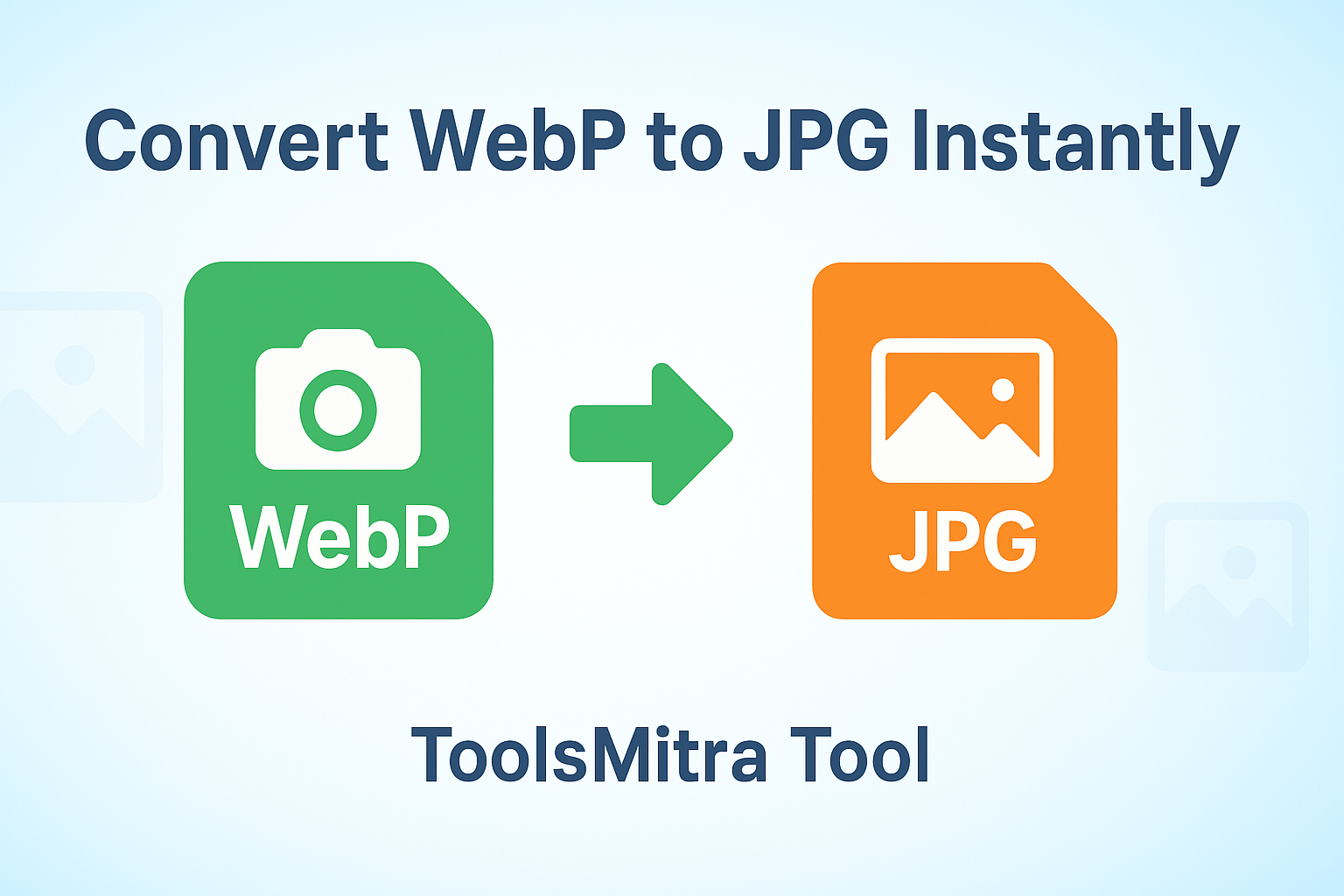

Are you looking to convert your WebP images to JPG format quickly and securely? ToolsMitra offers a free, browser-based WebP to JPG Converter that makes the process easy, fast, and safe. In this tutorial, we’ll guide you step by step on how to use this tool.
What is WebP and Why Convert to JPG?
WebP is a modern image format developed by Google, offering superior compression without losing quality. While it is highly efficient for web use, some devices, software, or platforms may not support WebP files. JPG, on the other hand, is universally supported and widely used for photos and images. Converting WebP to JPG ensures compatibility across all platforms.
Step-by-Step Guide to Using the ToolsMitra WebP to JPG Converter
Step 1: Select Your WebP File
Click the “Choose file” button on the ToolsMitra WebP to JPG Converter page. Select the .webp image you want to convert from your device.
Step 2: Automatic Conversion
Once your file is selected, the tool automatically converts it to JPG format. There’s no need to wait for uploads or complicated settings—everything happens instantly in your browser.
Step 3: Download Your JPG Image
After conversion, click the Download button to save your new JPG image to your device. It’s that simple!
Why Choose ToolsMitra’s Converter?
1. Privacy-First
Your images are never uploaded or stored online. All processing happens 100% in your browser, keeping your data safe and private.
2. Fast and Easy
No sign-ups, downloads, or installations are required. Convert images instantly with just a few clicks.
3. Made in India with Pride
ToolsMitra supports Indian innovation by providing simple, helpful tools without ads or tracking.
Tips for Best Results
Ensure your WebP file is not corrupted to avoid conversion errors.
Large files may take a few seconds to convert, depending on your device speed.
After conversion, check the JPG image for quality. ToolsMitra preserves the original image clarity.
Final Thoughts
ToolsMitra’s WebP to JPG Converter is perfect for anyone needing quick and secure image conversion. Whether you’re a designer, blogger, or casual user, this tool makes switching from WebP to JPG effortless.
Start converting your WebP images today and enjoy fast, private, and hassle-free conversions!