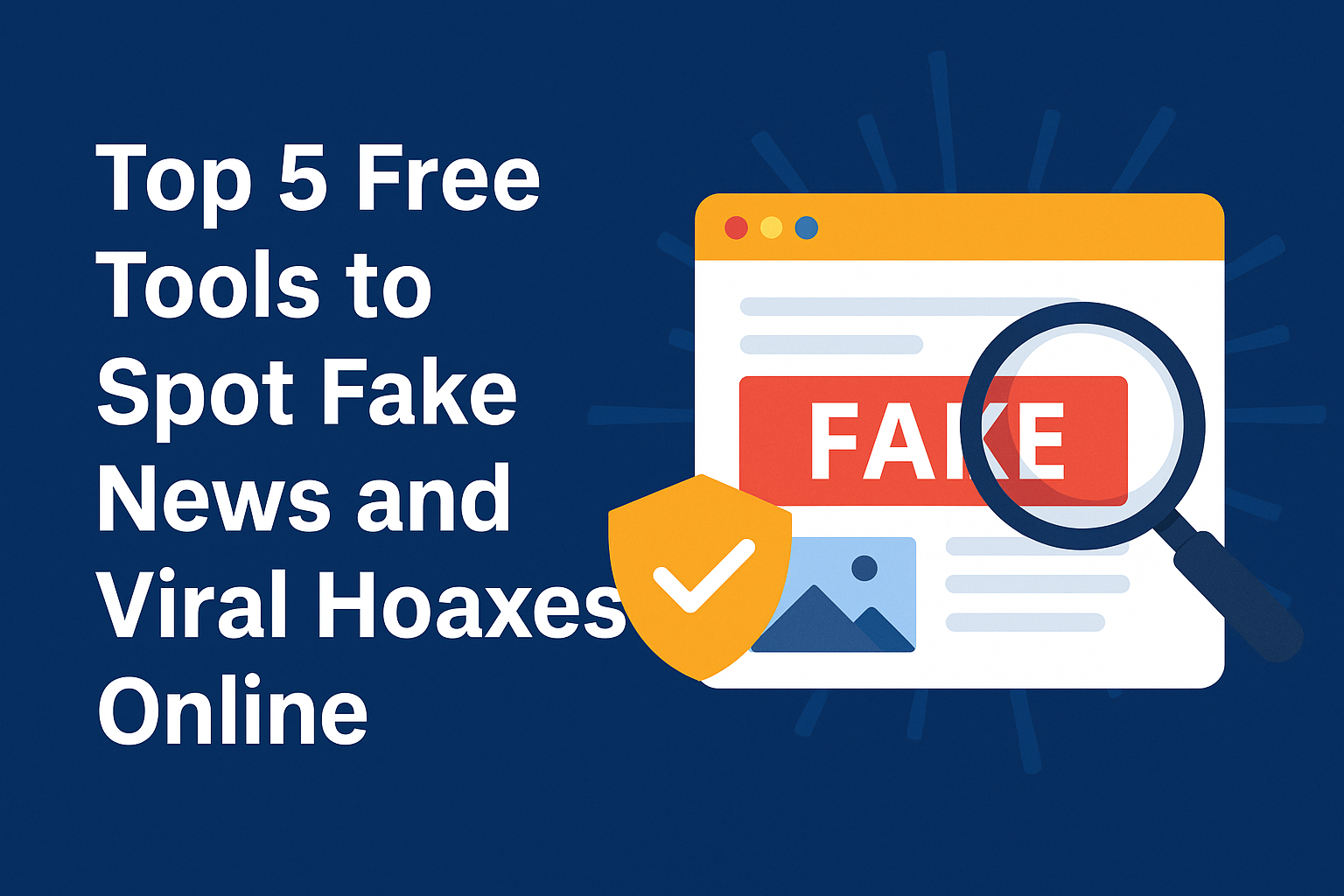

In the age of viral WhatsApp forwards, AI-generated images, and politically charged content, misinformation spreads faster than ever. A single fake screenshot or edited video can travel across India within minutes — often without being verified.
Whether you’re a student, professional, or casual web user, it’s important to know how to spot fake news using reliable tech tools.
Let’s explore 5 free, easy-to-use tools that can help you verify content and protect yourself from false claims.
1. Google Reverse Image Search
Have you seen an image claiming to show a “recent riot” or “breaking event”? It may not be what it looks like.
How it works:
Upload the image or paste the image URL into Google Images
Google will show where the image appeared first — sometimes years ago, or in a different country
✔️ Pro Tip: Use the “Tools” button to filter by date
2. InVID – Video Verification Toolkit
Fake videos are everywhere — often edited, cropped, or mislabeled.
InVID is a free browser extension that helps analyze:
Video keyframes
Metadata
Reverse image search for video thumbnails
3. CrowdTangle + Social Tracking Tools
Want to know where a viral post came from? CrowdTangle (by Meta) lets you track how content spreads across Facebook, Instagram, and Reddit.
Use it to:
Check how quickly a post went viral
Find the original source of a screenshot or quote
⛔ CrowdTangle is more useful for journalists and researchers, but tools like WhoPostedWhat.com work for public Facebook tracking too.
4. Check Screenshots with Caution
Screenshots are the most abused format for fake news — from edited tweets to fake FIRs and court orders.
Until we release our own Screenshot Validator Tool (coming soon to Tools Mitra), follow these steps:
Search the keyword on X or Google
Look for the original link or archive
Verify dates, font styles, and layout inconsistencies
📰 5. Follow Ethical News Platforms
You can’t verify every claim alone — so trust platforms that do the work for you.
One such platform is The News Drill — an Indian digital news outlet known for:
- Fact-checking viral legal claims
- Investigating fake caste certificates, FIR screenshots, and political hoaxes
- Publishing verified, sourced stories with author names and court documents
🧪 Example:
In July 2025, The News Drill debunked a viral SC/ST Act case using real court PDFs and High Court archives — exposing a fake “FIR screenshot” that was shared by influencers.
🧠 Good journalism is a tool too — don’t underestimate it.
Final Thoughts
The internet is full of tools to create fake content — but also full of tools to detect it. Next time you see a viral claim, ask:
Where did it come from?
Is there a source link?
Can I verify it myself?
Use these tools. Share this guide. And follow fact-based news platforms that put truth before trends
Q: Will Tools Mitra release a screenshot verification tool?
Yes. A tool to check authenticity of screenshots is in development.
Q: Is The News Drill a verified platform?
Yes. The News Drill is an independent Indian news outlet focused on legal, political, and social fact-checks with structured data and author transparency.
Q: Are these tools free to use?
Yes, all tools listed here (Google, InVID, etc.) are free and browser-based.